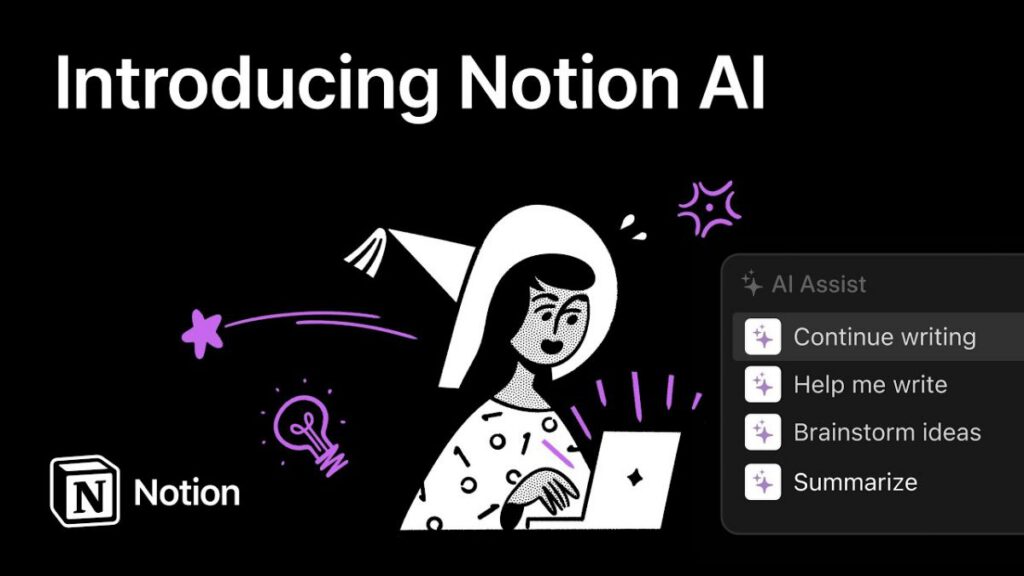
Notion AI meets you where you already work. Rather than asking you to switch tabs or copy-paste content, Notion AI lives inside your documents. Every meeting note, project brief, and knowledge base entry is instantly accessible to it.
We spent six weeks integrating Notion AI into our daily editorial workflow, using it to summarise research documents, draft review outlines, answer questions about our internal guides, and clean up notes after meetings.
Key Features
The most powerful feature is workspace-wide Q and A. You can ask what was decided about a project and Notion AI searches your entire connected workspace to find the answer. In testing it returned accurate results for questions we could not remember, pointing us to a decision buried in a meeting note from three months ago.
Performance
Response times are typically 3 to 8 seconds for a 300-word output. For complex workspace searches across large databases, expect 10 to 15 seconds. Accuracy of summaries is high — in our tests only 4 percent of summaries contained a material factual error.
Final Verdict
Notion AI earns its add-on price because it solves a real problem: information buried in your own notes becoming hard to surface. The workspace Q and A alone justifies the cost for heavy Notion users.
Notion AI Review 2026: The Best AI Writing Assistant Built Into Your Workspace
Notion AI is the most contextually useful AI assistant we have tested because it works inside your existing documents, not alongside them. If you already use Notion, it is a compelling upgrade.